Step 3: Important commands to get you started
The best way to interact with your new Ray-Ban Meta glasses is with your voice. Your glasses have Meta AI built in, so can understand and respond to your commands. Activating the AI is as simple as saying “Hey Meta.”
To get you started we’ve got a series of essential commands below.
Basic commands
- To get the glasses to read visible text aloud say: "Hey Meta, read this text"
- To receive details about the environment around you using AI say: "Hey Meta, describe my surroundings"
- "Hey Meta, what's in front of me?" - Identifies objects, people, or scenes using built-in AI.
- To get a summary of key messages in a document without reading all the text say: "Hey Meta, look, and give me a summary of the document I'm holding."
- Use your glasses to connect with the Be My Eyes® network to get assistance from a sighted volunteer.
- For deeper customisation, ask your glasses to read text verbatim, such as on a sign for example, and Meta AI will say what's in front of you.
Tip: If you do not receive enough details, phrase your prompts differently during follow-up question sequences.
Hands-free communication
Send text or voice messages, make phone calls and take video calls hands free.
- Send a dictated message via WhatsApp, Facebook Messenger, or SMS by saying: "Hey Meta, message contact name."
- Send a picture by saying: "Hey Meta, send a picture to contact name via Messenger or WhatsApp or my phone."
Navigation hands free
- To have Meta read directions via your phone's navigation app say: "Hey Meta, navigate to location."
- Get Meta to list nearby restaurants or cafes by saying: "Hey Meta, what restaurants or cafes are nearby?"
- Meta can read items on a menu, sign or board in front of you by saying something like: "Hey Meta, look and summarise, and describe in detail the items on this menu."
- Or: "Hey Meta, look and give me a detailed summary of the main courses on this menu with pricing for each item."
Capture
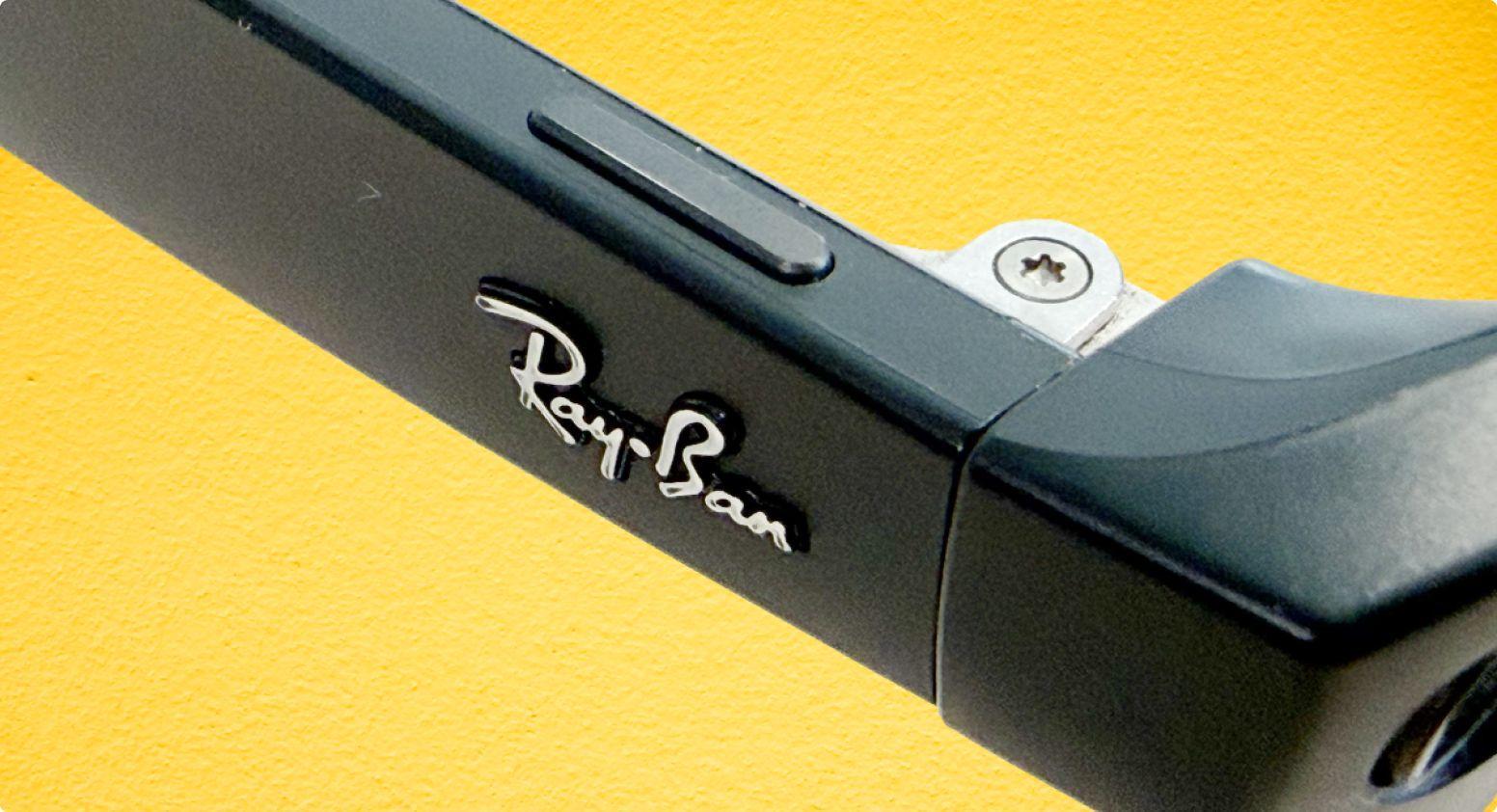
Take ultra high-quality photos and videos while keeping your hands free by using the capture button or by saying:
- "Hey Meta, take a photo"
- "Hey Meta, start recording"
Listen
Listen to music and more, that only you can hear, with open-ear speakers that deliver rich audio without blocking out conversations or the ambient noises around you.
Use commands like:
- "Hey Meta, play Spotify/Amazon Music/Apple Music"
- "Hey Meta, pause"
- "Hey Meta, skip"
- "Hey Meta, volume up", "Hey Meta, volume down"
- "Hey Meta, play… (name any song, album, artist, playlist or station)"
Step 4: What else can I do?
Your journey with your Ray-Ban Meta glasses is just starting. There’s so much more that you can do with them. To help you out, we’ve put together some videos and articles below.
Videos
The basics of Ray-Ban Meta AI glasses.
Articles